You send it. Tumbuh handles the rest.
Meal photos and documents become tidy records, checked against medical rules. If something looks off, Tumbuh flags it.
From one photo to a record
- 1
Kept as is
The original photo, PDF or recording is stored and never altered.
- 2
Read
Food on the plate is recognised and text in documents is read.
- 3
Recognised
What the document is, which child it's about and when it happened.
- 4
Structured
Turned into clear entries: weight, vaccine, medicine, meal, temperature. Each field gets a confidence level.
- 5
Sense-checked
Weight up 10% in a week? Length going down? A duplicate? All flagged first.
- 6
Approved by you
One tap. Only then does it reach the charts and the rules.
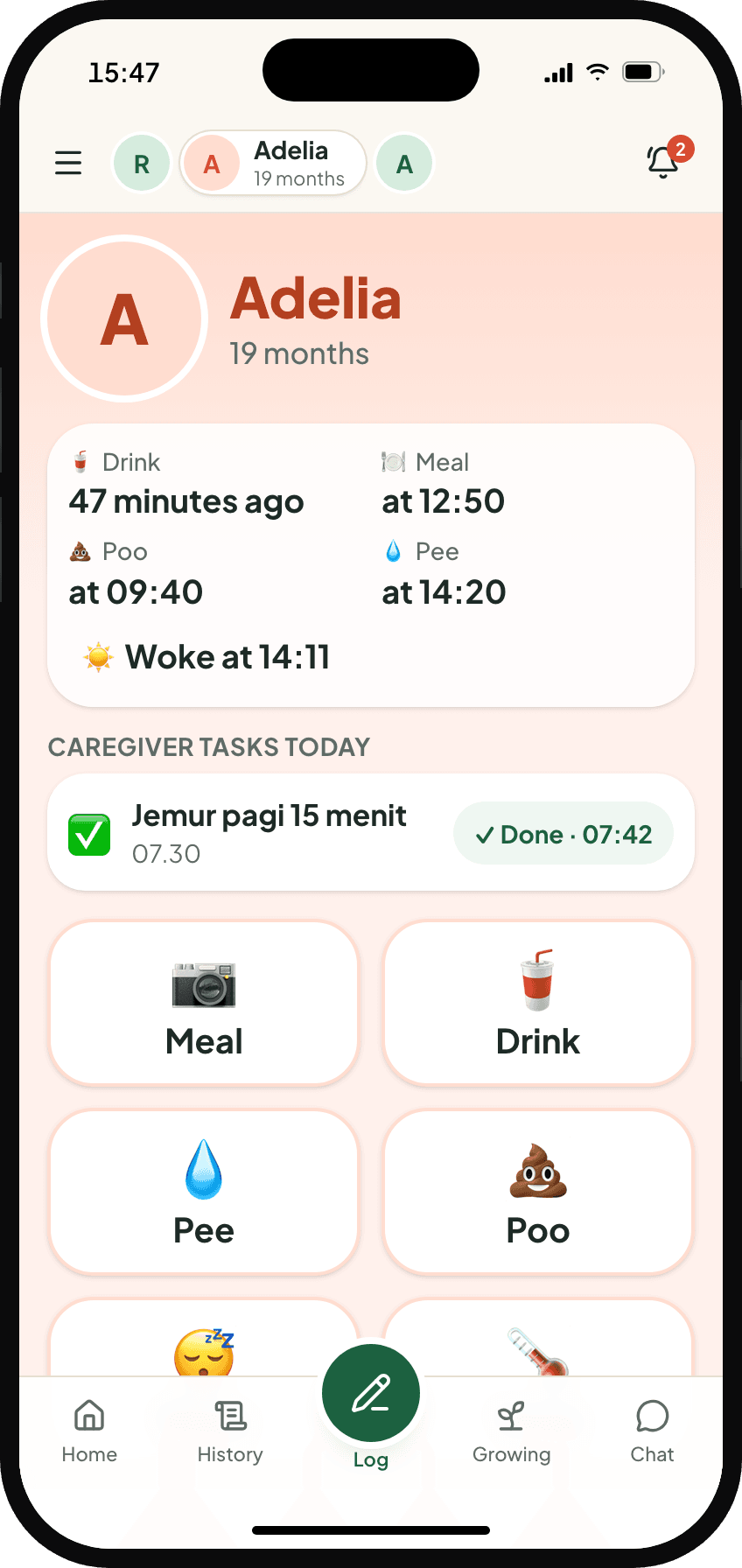
All in one app.
Your nanny, helper or child's grandparents can log from their own phones too. It all ends up in your Daily report.
Meal camera
Photograph the plate, the drink or the snack packet right in the app.
Document photos
Growth chart pages, prescriptions, birth cards and the BPJS card.
Lab results and hospital discharge summaries.
Voice
Holding the baby? Just say it, like “Raka slept from 1 to 3.” Tumbuh turns it into an entry for you to check.
Family chat
Chat with your caregiver as usual. The facts that matter, like feed times or a temperature, go straight into the log.
Quick log
Breastfeeds, bottles, nappies and sleep in one tap, with buttons that match your child's age. Temperature or the doctor's words take a few seconds to type.
You always have the final say.
What Tumbuh read appears right next to the original photo, with the parts it used highlighted. Uncertain fields are colour-coded. No AI-read data reaches the charts or triggers an alert until you approve it.
- ✓The original is always one tap away
- ✓Fix anything with one tap
- ✓Corrected age calculated straight from gestational age
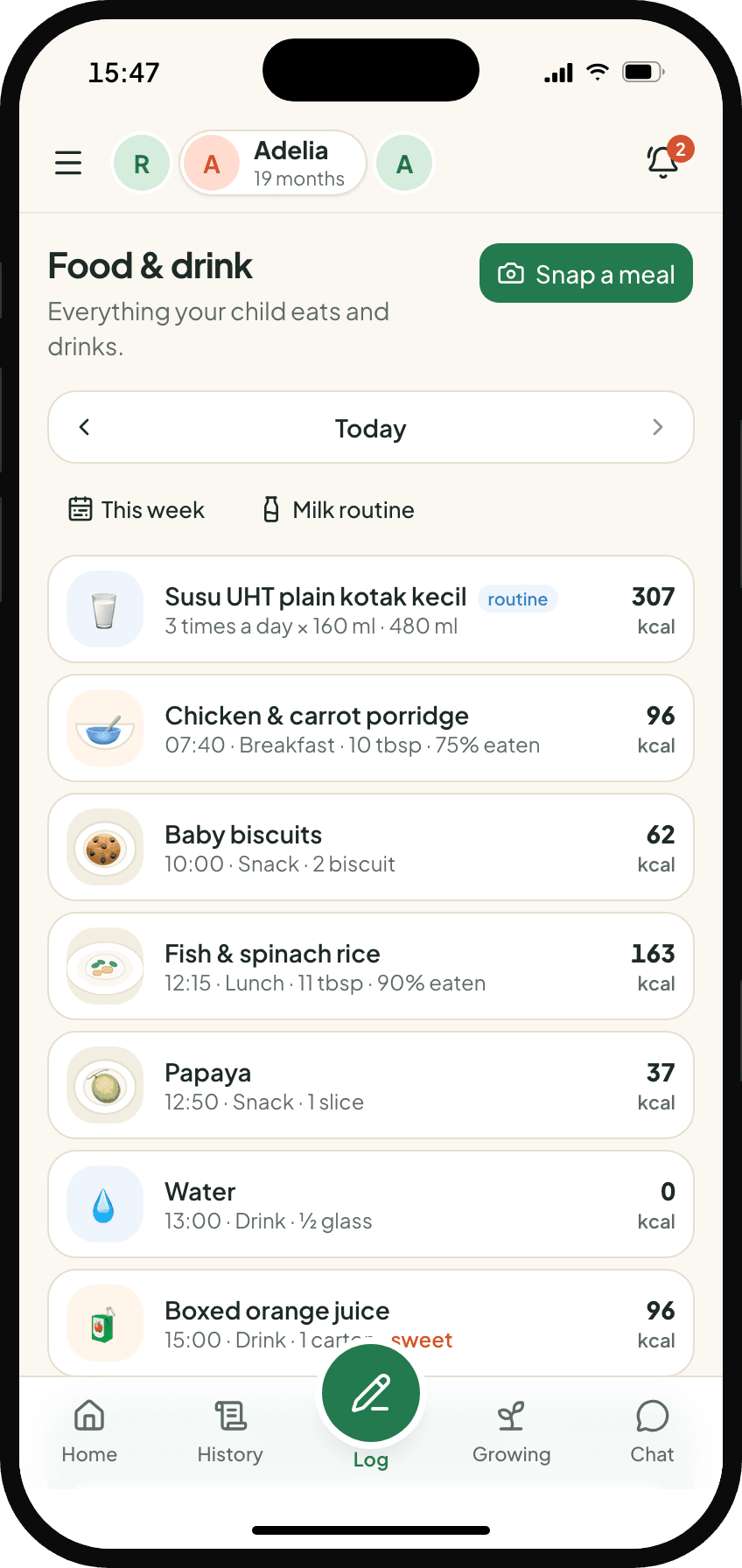
When it comes to safety, medical rules decide.
Red flags are checked by rules written as code, tested, and reviewed by a paediatrician. The AI only helps explain things in plain language. It never decides whether a red flag is raised.
- ✓Every alert shows its data
- ✓Clear flags, including when to see a doctor
- ✓Reads how food, growth and illness connect
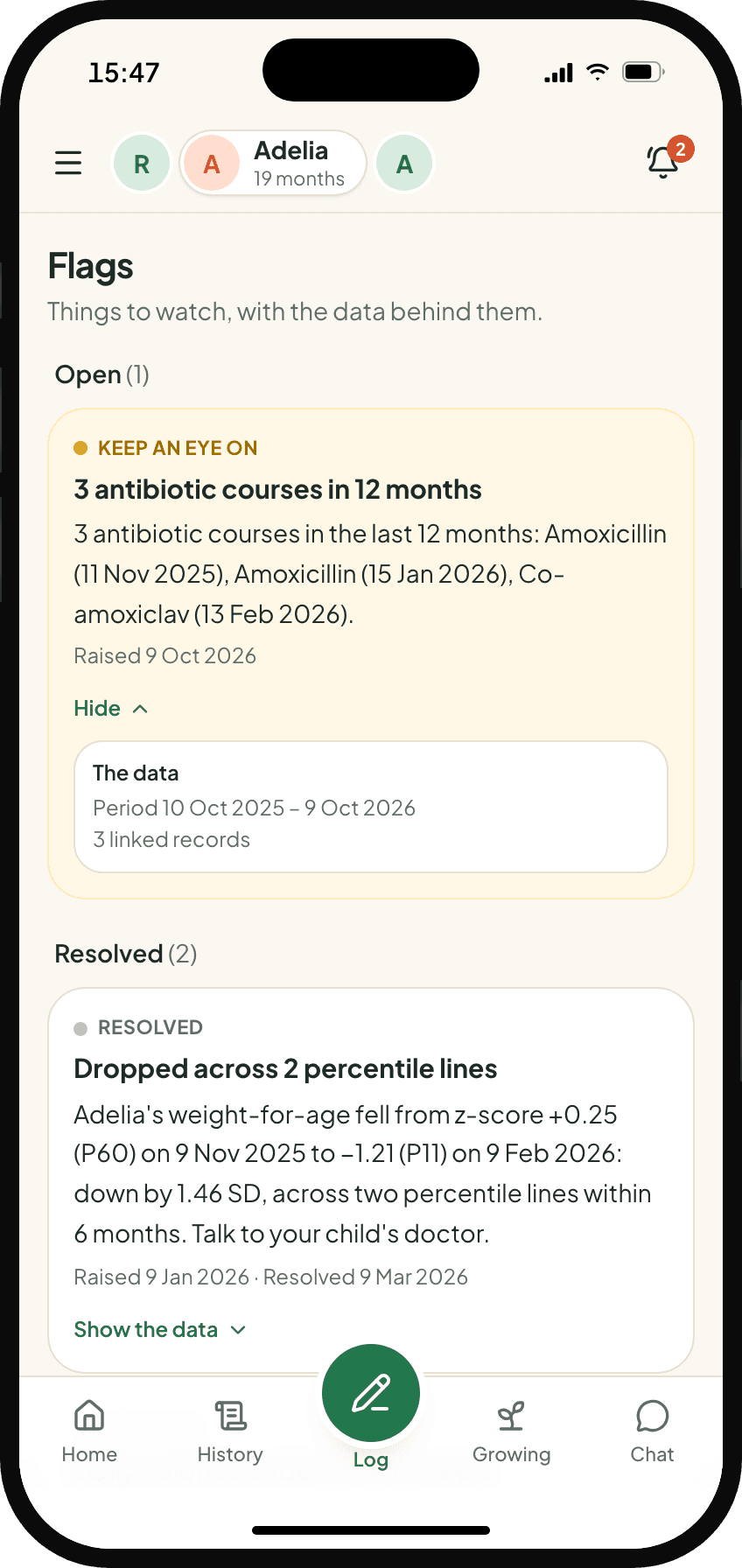
Food, growth and illness all affect each other.
Most apps only see one side. Tumbuh puts all three together: what your child eats and drinks, where the growth curve is heading, and when they were ill. If the pattern looks wrong, Tumbuh flags it.
Patterns you only see when everything's connected
A summary, not advice.
Every Monday, This week sums up the week before: what your child ate and drank, total calories per day, how many snacks and sweet drinks, how much milk, how they slept, and which way the growth curve is heading. Once a month, Needs attention gathers the flags and the gaps in the record into one list. Tumbuh doesn't suggest menus or give advice. If something looks off, it raises a flag, and the decision is yours to make with your doctor.
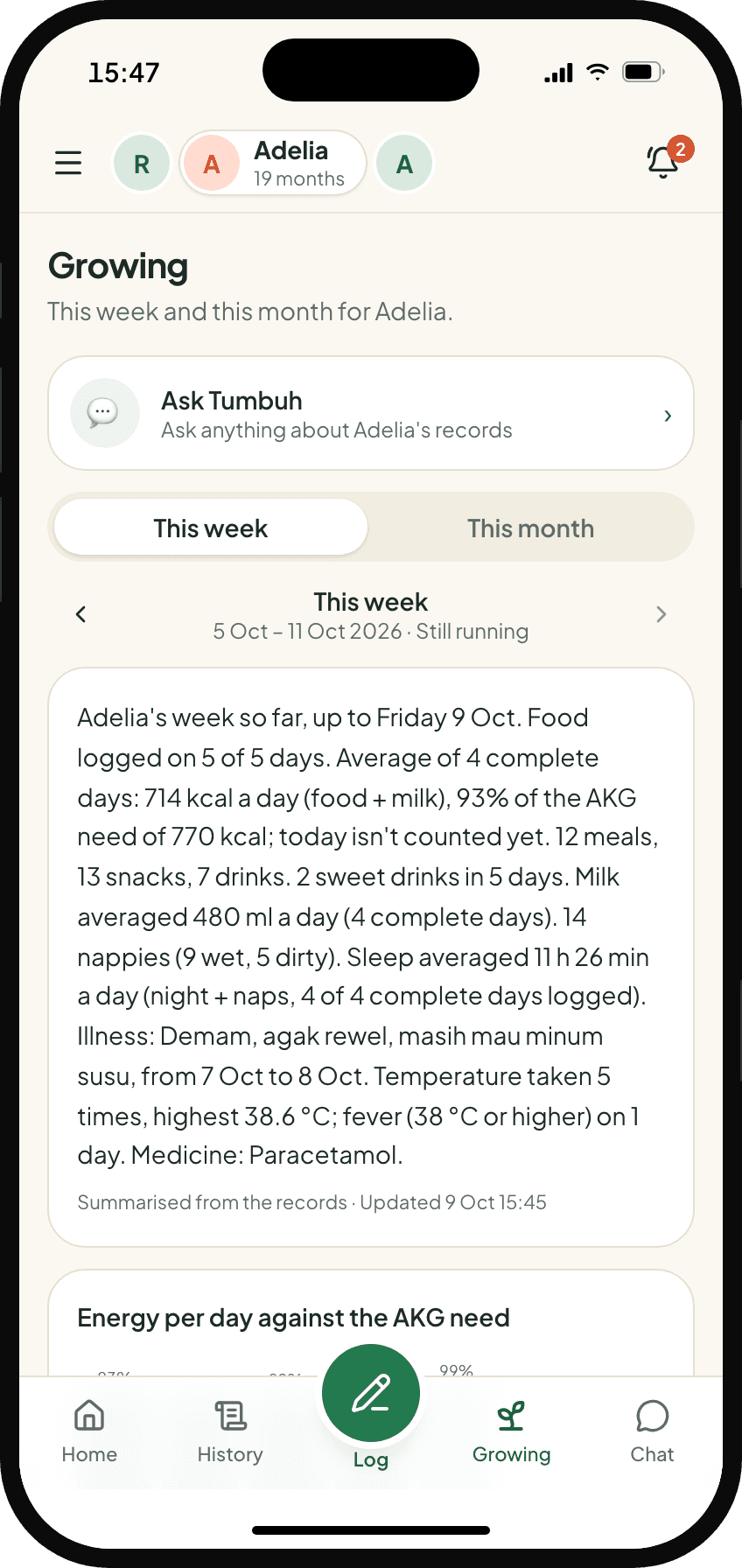
Three levels of tracking.
Every extra tracker explains why it's on, and you can switch it off any time.
Every meal, milk feed, drink and snack (just a photo), plus growth, vaccines, illness and medicine.
Feeding log at 0–6 months, bowel movements at 0–3 years, vitamin A at 6–59 months, blood pressure from age 3.
Frequent diarrhoea or constipation? Log bowel movements for 14 days, then it stops by itself.
Questions parents ask
Do I still need the Buku KIA?+
Yes, keep bringing it. It's still the official record at the posyandu and the doctor's. Tumbuh copies it from photos and reads the patterns for you.
Can Tumbuh diagnose illness?+
No. Tumbuh helps you keep records, understand how your child is doing and prepare for doctor visits. If there's a red flag, it always tells you to see a doctor or go to the ER.
Does Tumbuh suggest menus or diets?+
No. Tumbuh records and reads the data, and flags anything that looks off. Menus, diets and treatment are for you to discuss with your paediatrician or a dietitian.
What if the AI misreads something?+
What it read is always shown next to the original photo. Unclear parts are highlighted, and nothing is saved until you approve it.
Who can see the record?+
Only you and your child's other parent see the whole record. A nanny or grandparent you add can only log for the children they look after, with no access to charts, documents or health history. At the doctor's, just show or print the Visit Summary.
Can I download everything?+
Yes, any time: all the data, the original documents, the vaccine card and a PDF summary.
When can I start using Tumbuh?+
Tumbuh is still in development. Early access is opening in stages for parents of children aged 0–5, starting in Greater Jakarta.